Hardware
Recorder hardware
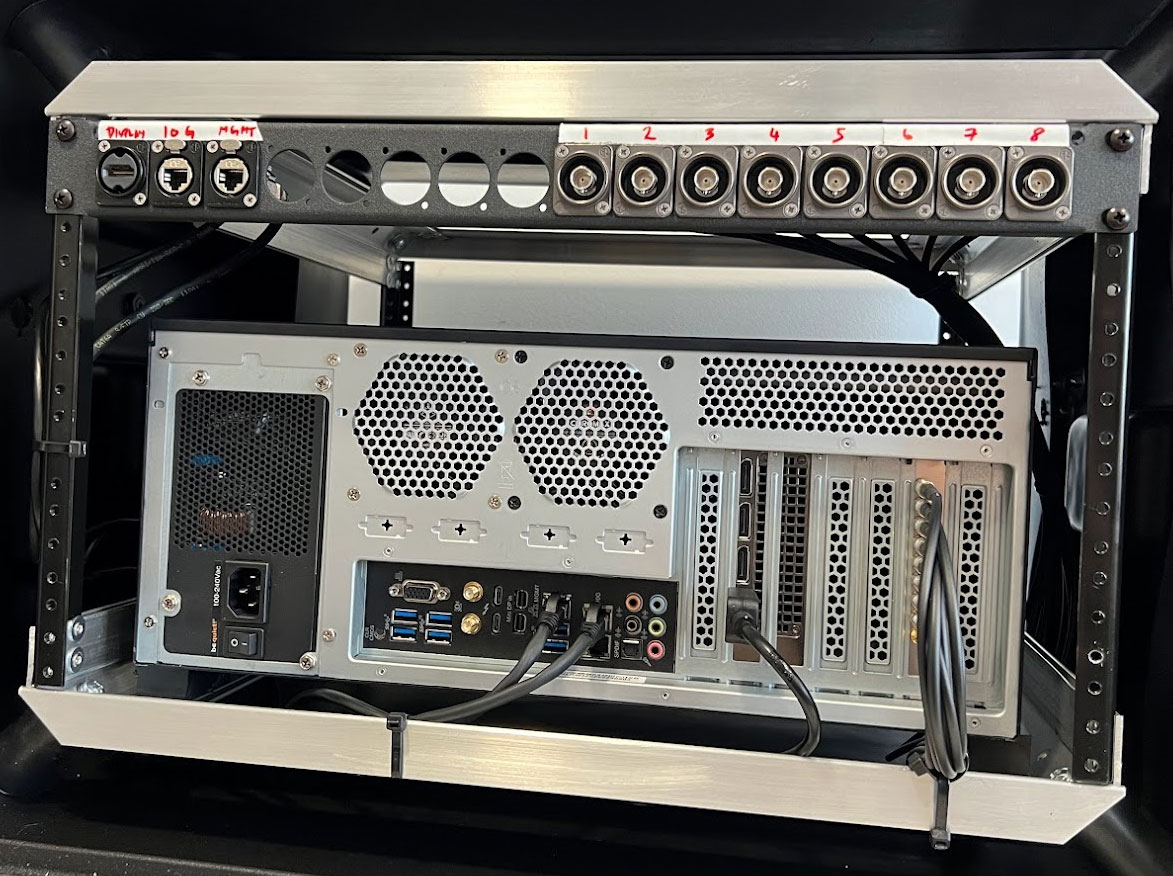
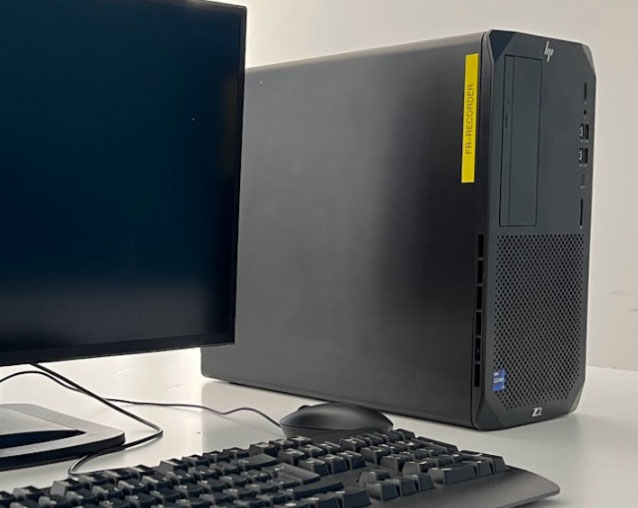
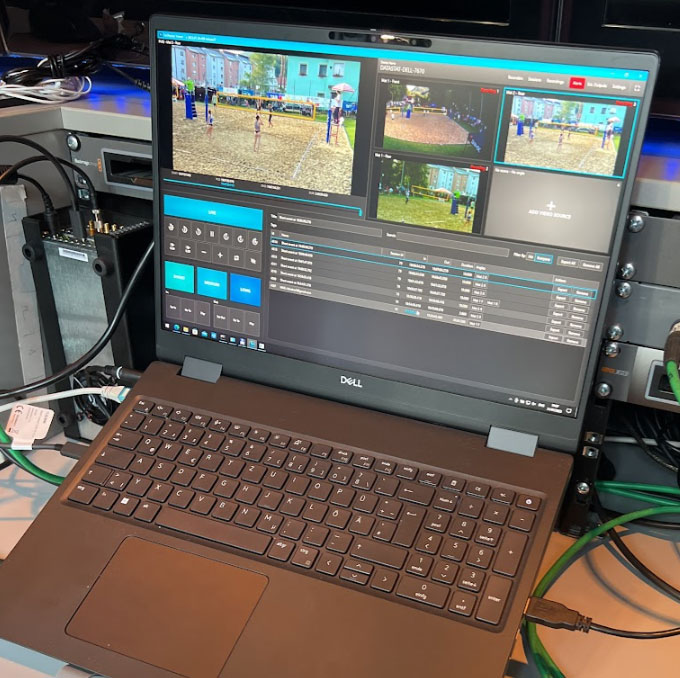
A Recorder can be in form of a notebook, tower PC or a rack computer. It typically uses a capture card, like Blackmagic, to receive video signals.
Rack:
Tower PC:
Notebook:
Explore our recommended systems based on your specific needs. Check out the Recommended systems section for more details.
Video sources
Depending on the video sources you have available, there are different ways to get a signal to the Recorder.
The most common ways are either SDI, HDMI and NDI - over the network - See more about NDI.
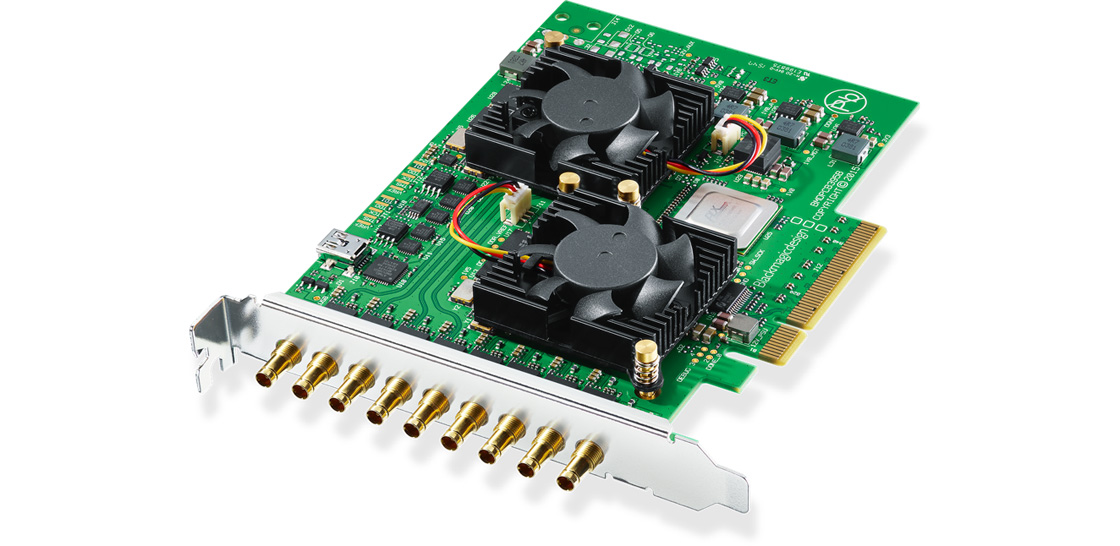
Blackmagic quad 2:
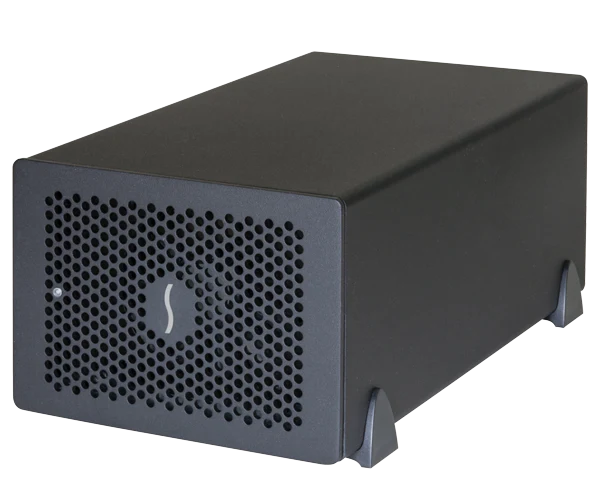
Blackmagic mini in the Sonnet thunderbolt enclosure:
NDI Camera:
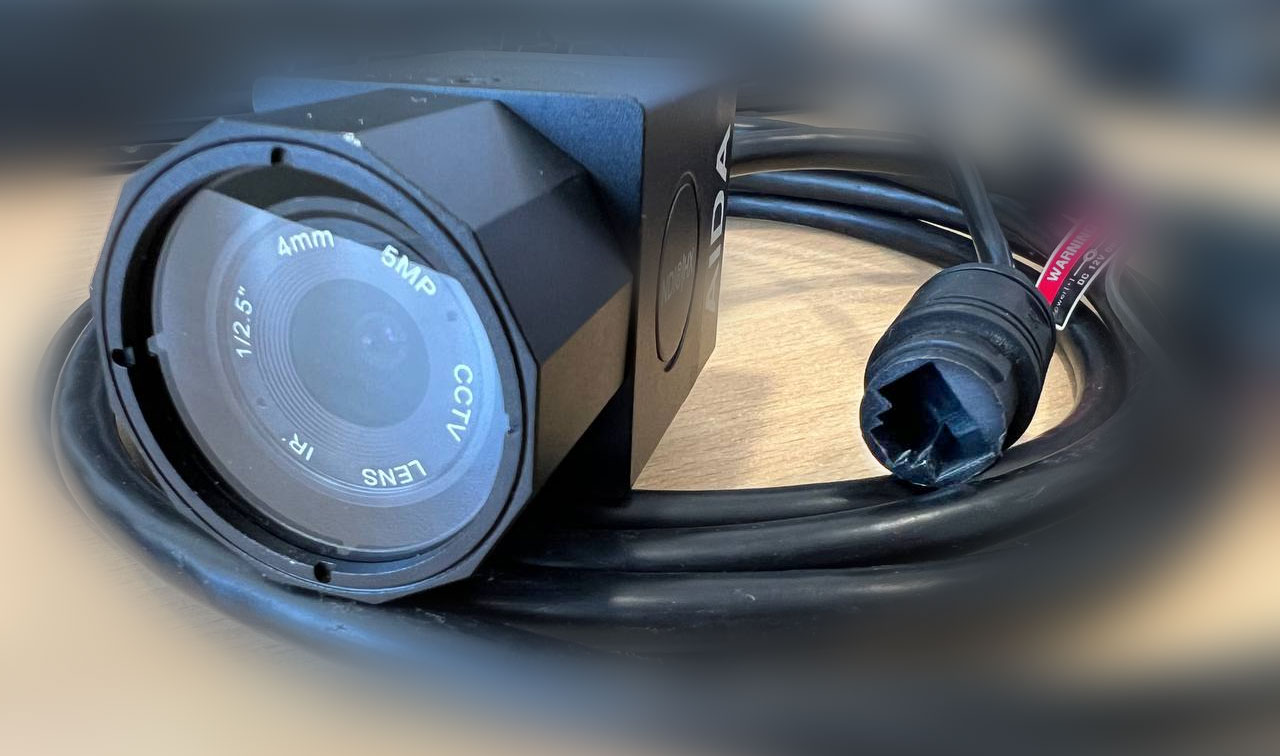
Camera connects with the network to a switch
The Recorder must be able to handle the workload, which means components must be strong enough. It is also important to have good:
Performance
Depending on the sources (number and how they are ingested), different hardware is needed. We recommend having an overhead of 40% for the CPU and 20% for the GPU.
CPU
A good rule of thumb for 8 SDI 1080p50 feeds is to check the CPU benchmark and ensure it has a score of at least 30.000.
See the example for the Intel Core i7-13700 at CPU Benchmark.
GPU
We recommend recording to h264 using Nvidia NVenc. We recommend using professional NVIDIA RTX cards such as A2000 for 6x 1080p50 and A4000 for 8x 1080p50.
Heat distribution
For your system to operate normally, good cooling is a must-have. An idle computer operates differently from an 80% busy computer engaged in encoding and serving video. We recommend utilizing your system at its maximum capacity while monitoring temperatures. Generally, we suggest keeping the CPU at around 60°C and the GPU at 80°C. Note that most capture cards do not have temperature monitoring, so it's a good idea to ensure the card receives proper ventilation. How to see CPU and GPU temperature?
Network
If you have multiple clients, connect NDI cameras, want to have good throughput for video scrolling on client computers, a good network is important.
For the best experience, we recommend having at least a 2.5 Gbit/s, or preferably a 10 Gbit/s, network interface connected to a 10 Gbit/s switch. How much bandwidth is used by clients or cameras?
Here is an example for 8 video feeds encoded with 15 Mbit/s:
- User scrolling 4 feeds in a Viewer with low-res mode: 400 Mbit/s = 0.4 Gbit/s
- User just playing 4 feeds in a Viewer with low-res mode: 25 Mbit/s = 0.025 Gbit/s
- 8 users scrolling in a Viewer with 2 feeds: 1600 Mbit/s = 1.6 Gbit/s
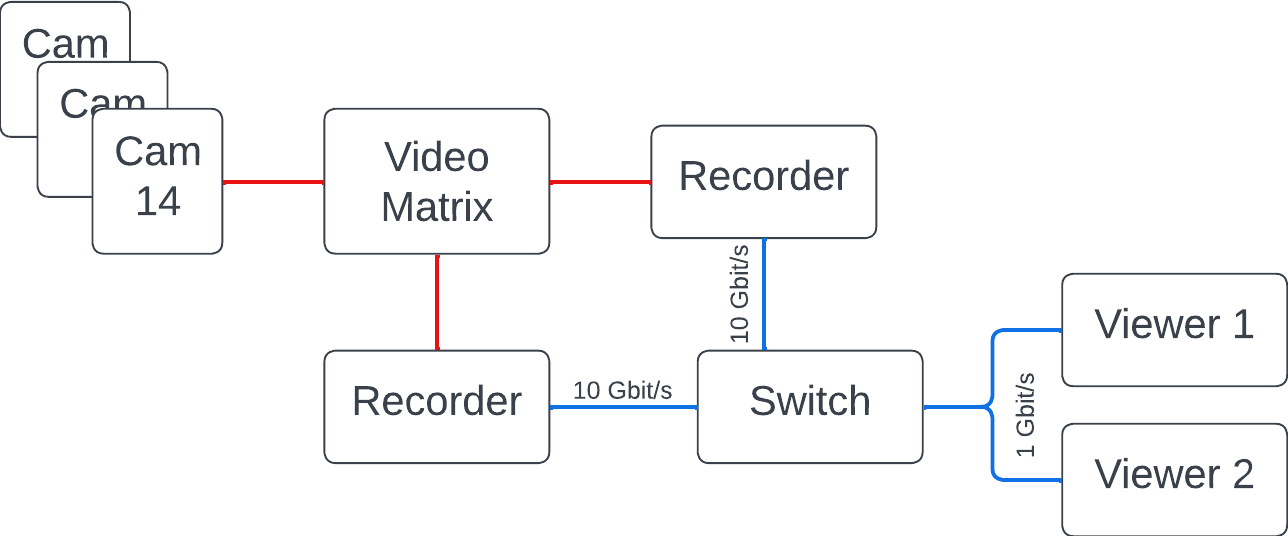
As you can see, it can easily exceed 1 Gbit/s. The best option is to have, as mentioned before, a 10 Gbit/s to the switch and then 1 Gbit/s to each client, which will evenly distribute the available bandwidth to all clients.
Connection Schema Examples
2 Recorders with Multiple Clients and SDI Video Signals